🧠 Your Guide
🔑 Signing in
Get your username and PIN from your parent
They set these up for you when they added you as a pupil. If you don't know them, just ask.
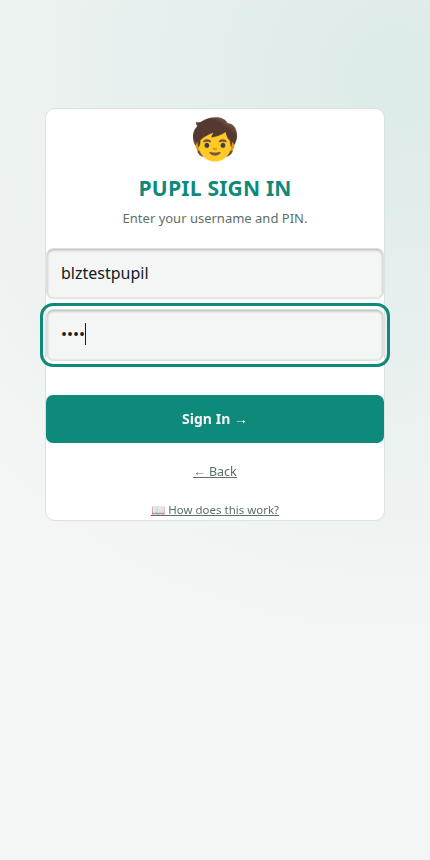
Tap "🧒 I'm a Pupil" on the start screen
Type in your username and PIN, then tap Sign In.
Forgot your PIN?
You can't reset it yourself: ask your parent to change it for you from their Dashboard ("Manage Children" → "Change PIN").
🎯 Playing quizzes
Pick a subject from the row of pills, then tap any topic card to start a quiz on it.
Some topics cover more than one term. Tap one of those and you'll be asked to pick a single term to practise, or the whole topic (every term combined), whichever you choose, your best score for that term and your best score for the whole topic are tracked separately.
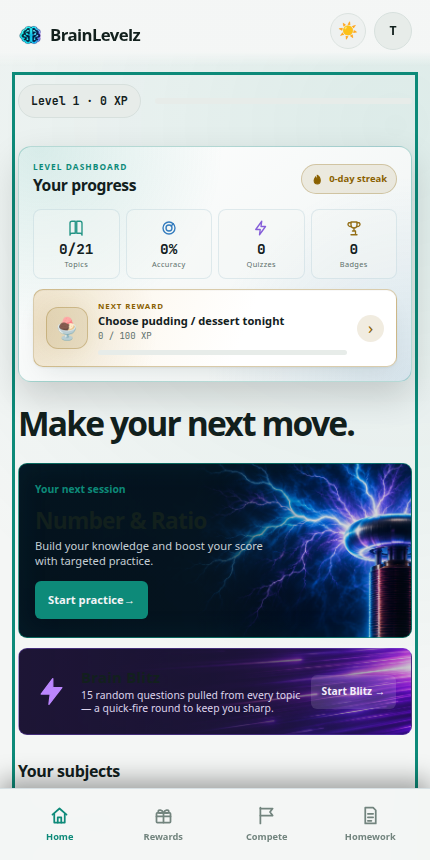
Brain Blitz mixes 15 random questions from every subject, great for a quick warm-up.
Every correct answer earns XP. Answer several in a row without a mistake for a combo bonus.
Finishing a topic gives you a star rating (1–3 stars) based on how many you got right. Play it again anytime to beat your best score.
Play at least once a day to build a streak. Miss a day and it resets, so little and often beats one big session.
Badges unlock automatically for things like your first quiz, mastering a whole subject, or a 100% score. Check your Dashboard-visible ones by asking a parent, or just keep playing and watch for the banner.
🎁 Prizes
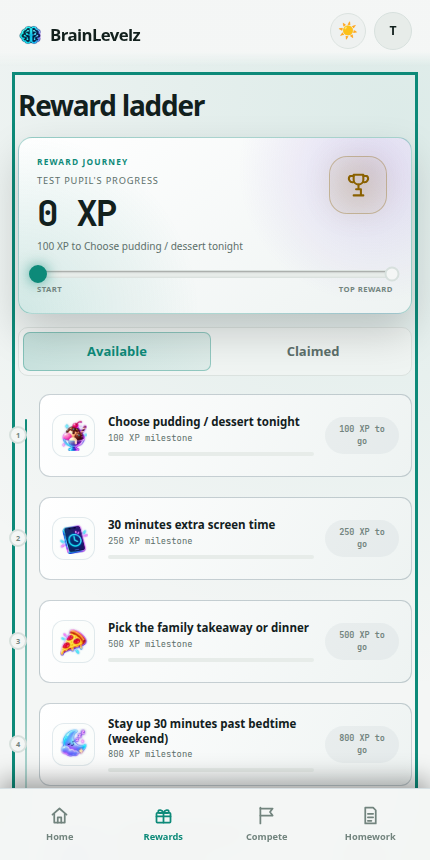
Tap the reward bar on the Home screen, or the Rewards tab, to see what your parent's set up. Prizes now come as a This week, This month and This term set, each resetting on its own schedule so there's always a new one to aim for, plus an optional Grand Prize for keeping it up across several terms in a row. The reward bar on the Home screen always shows the weekly one, since that's the closest.
🏁 Compete mode
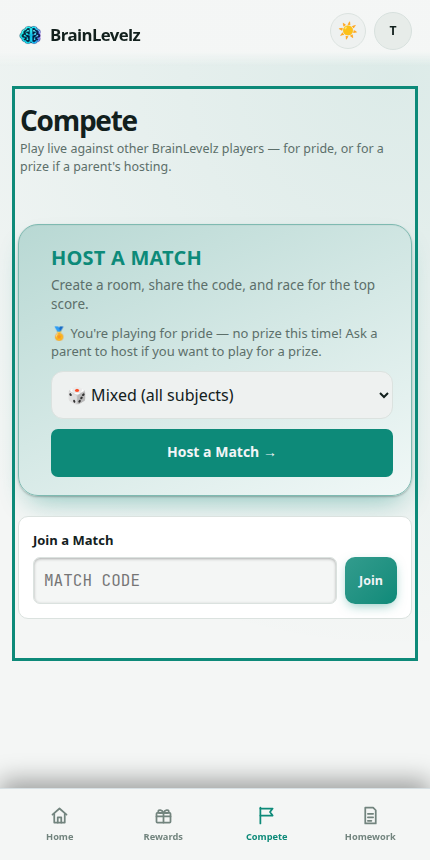
Only a parent can host a match. They'll give you a short code.
Go to the Compete tab, enter the code, and tap Join.
Once the host starts the match, everyone jumps into the quiz together. Your score updates live for everyone else to see too.
Compete scores are separate from your real XP: they're just for that one match's leaderboard and prize.
📋 Homework
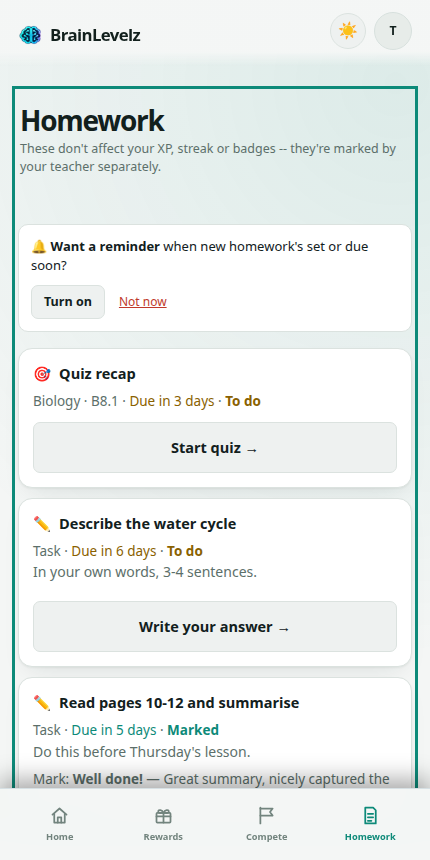
If your school uses BrainLevelz for homework, it shows up on its own Homework tab, completely separate from your XP, streak and badges. Your teacher marks it themselves; it's never scored automatically like a quiz.
Two kinds of homework
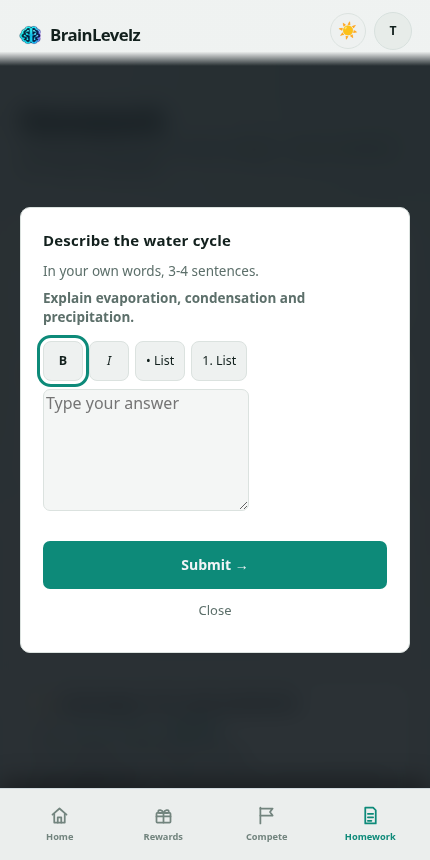
A quiz topic your teacher's picked (tap "Start quiz →", plays exactly like any other quiz), or a task written by your teacher, which you answer by typing, taking a photo of your work, or both, depending what they've asked for.
Answering a task
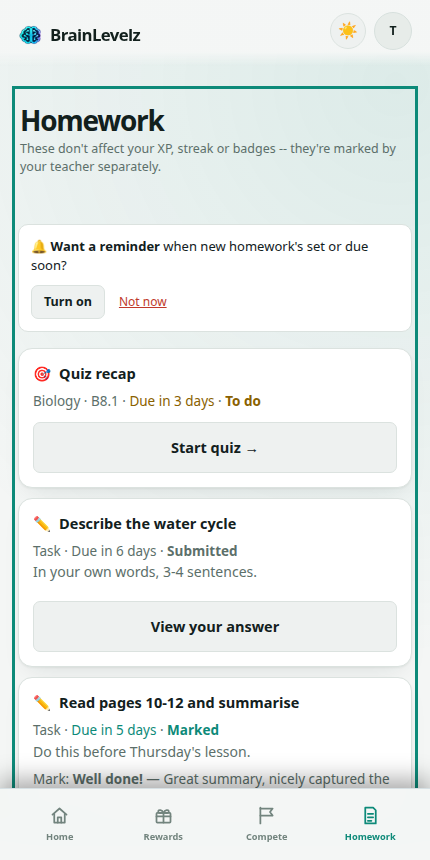
Tap the homework to open it, read the instructions, then type your answer and/or add a photo. Tap Submit when you're done. You can't edit it after that, so make sure it's finished first.
Marks and feedback
Once your teacher's marked it, the mark and any feedback they've written shows up right there on the homework list.
🔔 Reminders
Turn on notifications from the banner at the top of your Homework tab and your device will let you know when new homework's set, and again if something's due soon and you haven't started it. You can dismiss the banner with Not now if you'd rather not be asked. It won't keep reappearing.
Good luck, go level up your brain! 🧠⚡